









Building and designing a WordPress site used to mean endless hours in the dashboard — tweaking themes, creating custom pages, adjusting layouts, and fighting with page builders. Recently, I switched to a much more powerful and efficient approach: connecting to my remote WordPress site via SSH and designing the entire website directly from the command line with WP-CLI, supercharged by GitHub Copilot.
Now I can scaffold new pages, generate rich Gutenberg block content with modern layouts, and inject it straight into the database. The result is faster iteration, cleaner structured content, and a more intentional design process without ever opening the block editor. Here’s exactly how I do it.
Why Design WordPress Sites from the Command Line?
The WordPress admin dashboard is convenient for quick edits, but it gets in the way when you’re deeply designing a site — especially when you want precise control over HTML structure, nested blocks, and consistent layouts across dozens of pages.
WP-CLI gives you direct access to almost every part of your WordPress installation. Combined with SSH access to your remote server, you stay in the terminal where you can move fast. Add GitHub Copilot (in VS Code or the terminal), and you can describe the exact design and block structure you want in plain English — and get accurate WP-CLI commands with fully formed Gutenberg content ready to inject.
Step 1: SSH Into Your Remote WordPress Site
Most hosting providers make SSH access easy. Once connected:
- Open your terminal and SSH in:text
ssh username@your-server-ip-or-domain - Navigate to your WordPress root directory:text
cd /path/to/your/wordpress/install - Verify WP-CLI is available:text
wp --info
You’re now inside your live (or staging) site and ready to design with commands.
Step 2: Using WP-CLI to Build and Scaffold Your Site Design
WP-CLI excels at creating the structural foundation:
- Create new pages with custom slugs:text
wp post create --post_type=page --post_status=publish --post_title="About Us" --post_name="about" - You can also set featured images, authors, and other metadata directly.
The real design power comes when you inject rich Gutenberg block content into the post_content field.
Step 3: Letting GitHub Copilot Generate Gutenberg Blocks and Inject Them
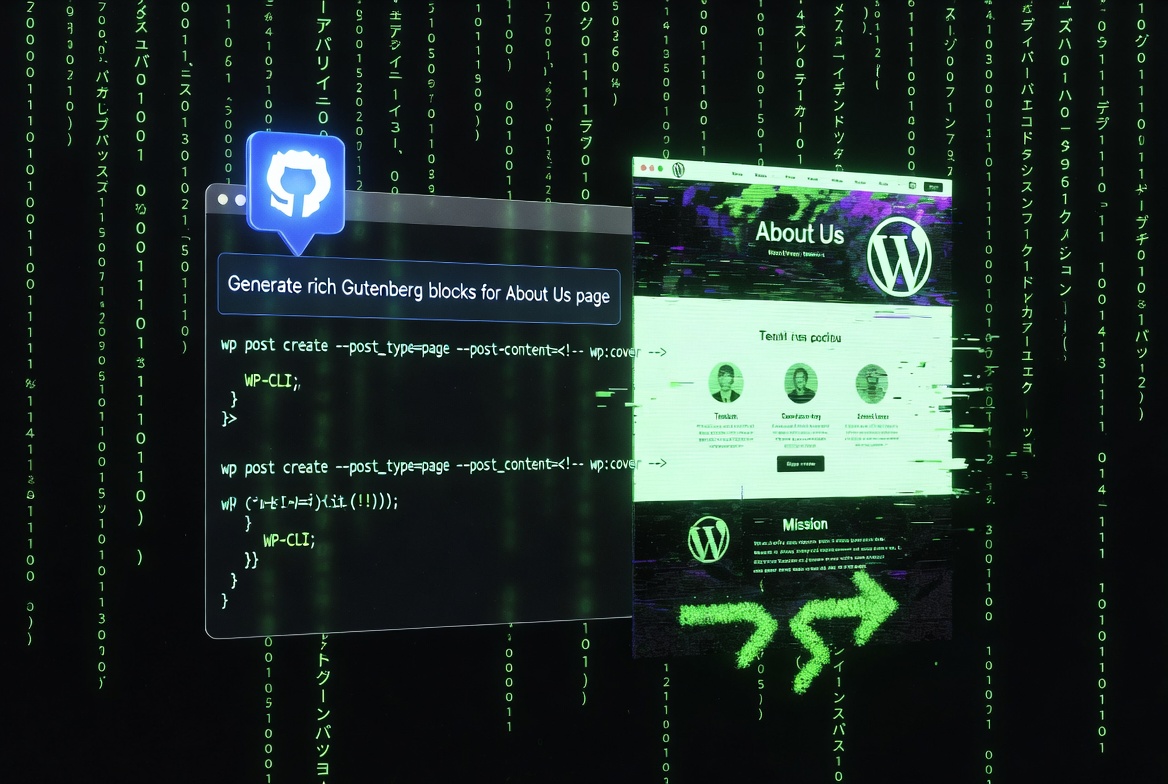
This is where the workflow becomes magical. Instead of building blocks manually in the editor, I describe the full page design to Copilot, and it generates the complete raw block markup (the HTML comments that define Gutenberg blocks). I then use WP-CLI to inject that content directly into the database.
Example: Creating a Brand New About Page
I wanted a clean, modern About page with a hero section, team highlights, mission statement, and a strong call-to-action — all built with native Gutenberg blocks for maximum compatibility and performance.
I prompted GitHub Copilot:
“Generate a WP-CLI command to create a new published ‘About Us’ page. Use Gutenberg block syntax in the post_content. Include:
- A full-width Cover block as a hero with heading and subheading
- A Paragraph block for the introduction
- A Columns block with a ‘Meet the Team’ section containing image + text cards
- A Group block for the mission statement
- A Buttons block for the final CTA Make it visually rich, responsive, and use appropriate block classes and alignments.”
Copilot instantly output a complete, ready-to-run WP-CLI command with the full raw block HTML. It looked something like this (shortened for example):
wp post create --post_type=page --post_status=publish --post_title="About Us" --post_name="about" \
--post_content='<!-- wp:cover {"url":"...","dimRatio":50} --><div class="wp-block-cover">...hero content...</div><!-- /wp:cover -->

<!-- wp:paragraph -->Welcome to our story...<!-- /wp:paragraph -->

<!-- wp:columns -->...team cards...<!-- /wp:columns -->'
I had Copilot inject generate the command, executed it, and the beautifully designed About page appeared instantly — complete with nested blocks, proper alignments, and modern layout. No dashboard required.
Advanced Design Workflows with WP-CLI + Copilot
Here’s how I take this further for full website design:
- Generate complex nested block structures — Ask Copilot for advanced layouts using Group, Row, Stack, or Query Loop blocks.
- Create consistent design systems — Prompt for reusable block patterns that match your brand colors, typography, and spacing.
- Bulk-create pages — Have Copilot generate a bash script that creates multiple pages (Services, Pricing, Contact, etc.) each with tailored Gutenberg content.
- Iterate rapidly — If something doesn’t look right, tell Copilot “Add a Media & Text block before the team section and make the hero gradient darker” and regenerate the command.
Because the content is stored as raw block markup in the database, the pages render perfectly in the block editor if I ever need to make minor tweaks later.
Pro tip: Always test complex commands on a staging site first. Use wp db export to create a quick backup before injecting large amounts of content.
Benefits of This Gutenberg-First Command Line Approach
- Blazing-fast design iteration — Go from idea to fully blocked page in under a minute.
- Precise control — Get exactly the nested block structure you want without fighting the visual editor.
- Better performance — Native Gutenberg blocks keep your site lightweight compared to heavy page builders.
- Scalability — Easily replicate sophisticated layouts across an entire site.
- Developer-friendly flow — Stay in the terminal and editor instead of switching contexts constantly.
Since switching to this method, designing my WordPress site feels like true web development. I describe the visual layout I want, Copilot handles the block syntax, WP-CLI injects it into the database via SSH, and the page is live. It’s efficient, consistent, and surprisingly fun.
Ready to Design Your WordPress Site Differently?
If you’re tired of dragging and dropping blocks in the dashboard or dealing with page builder bloat, try this workflow. Connect via SSH, fire up WP-CLI, and let GitHub Copilot generate rich Gutenberg block content that you inject directly into your database.
Have you experimented with injecting Gutenberg blocks via WP-CLI? Or combined AI coding assistants with WordPress development in other creative ways? Drop your thoughts and tips in the comments — I’d love to hear how you’re building sites in 2026!
